Why visual and audible feedback matter in autoinjectors
Feedback should tell the user what happened and what to do next; it is not decoration.
Evidence approachFeedback and preference statements follow PubMed-indexed usability studies. Mechanism behaviour is described from device documentation, not from those studies.
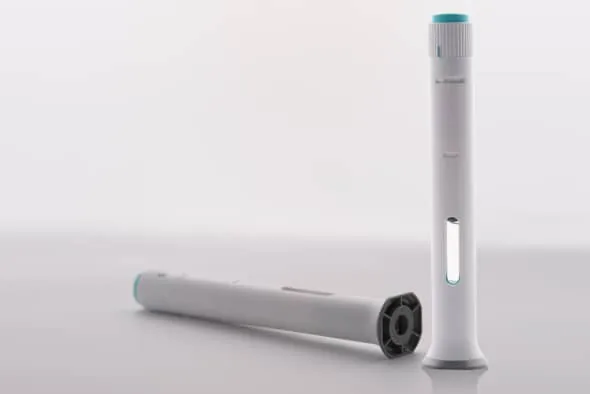
Representative automatic injection device view for interface discussion only. Final suitability requires configuration specific evidence.
What the research found
A literature review of biosimilar autoinjector usability and preference found that ease of grip and ease of use were important attributes. The reviewed devices were often preferred for button-free activation and visual or audible feedback. A separate Canadian survey also identified feedback, ease of self-injection and independent use as preference drivers.
Engineering interpretationStart, progress and completion cues should be perceptible in the intended environment and understandable to representative users. The meaning of a click or window change must be validated, not assumed.
Connection to Penacta
When screening an automatic injector platform, Penacta can evaluate activation architecture and feedback concepts. Final human-factors validation belongs to the actual combination product.
Useful feedback tells the user when delivery starts, whether the device remains active and when the sequence is complete. Audible, visual and tactile cues must be assessed with the intended users and environment.
Decision table
Review area
Buyer action
Start indication
Specify what the user sees or hears the moment the injection begins.
In-progress state
Confirm the device signals that the injection is still running, not finished.
Completion cue
State the exact signal that tells the user the dose is fully delivered.
Error interpretation
List the signals for a partial dose or a jam, and the user action for each.